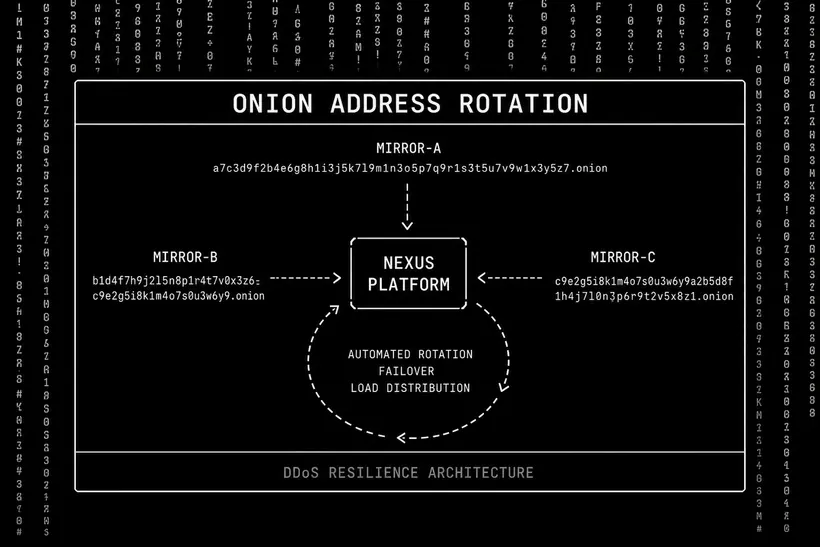
Darknet market onion addresses change for several operational and security reasons: DDoS pressure causing a mirror to be permanently retired, server infrastructure changes requiring new hidden service keys, or proactive security rotation to prevent long-term traffic correlation. Understanding the address change process helps users distinguish legitimate updates from phishing attempts.
Why Addresses Change
V3 onion addresses are tied to a cryptographic keypair held by the server. A new address requires generating a new keypair — there is no way to transfer a V3 address between servers or host the same address on multiple independent machines. When a market retires one of its mirrors, a new address must be generated for the replacement mirror.
DDoS attacks are the most common reason for emergency address changes. A targeted DDoS against a specific onion address makes that address temporarily or permanently inaccessible. If the attack is sustained, the server operator may choose to generate a new address rather than continuing to absorb DDoS traffic at the old one.
The Legitimate Update Process
A legitimate address change follows a documented process: the platform publishes a PGP-signed announcement through all existing accessible channels — the market forum, Dread, and monitoring sites — with the new address included. The signature is verifiable against the admin public key that has been published since launch. Updates that follow this process can be verified cryptographically before bookmarks are updated.
Phishing attacks exploit address changes by distributing fake "updated" addresses in forums, social media, and search engine results without PGP signatures. The fake addresses route to credential-harvesting phishing clones. Always verify signatures before updating any address bookmark.
Safe Update Procedure
When a new address is announced: (1) Download the signed announcement text. (2) Verify: gpg --verify announcement.txt.sig announcement.txt. (3) Confirm the signing key fingerprint matches the imported admin public key. (4) Navigate to the new address in Tor Browser and verify visually before entering credentials. (5) Update your bookmark only after full verification. Cross-reference with dark.fail and at least one additional independent monitor before finalizing the update.