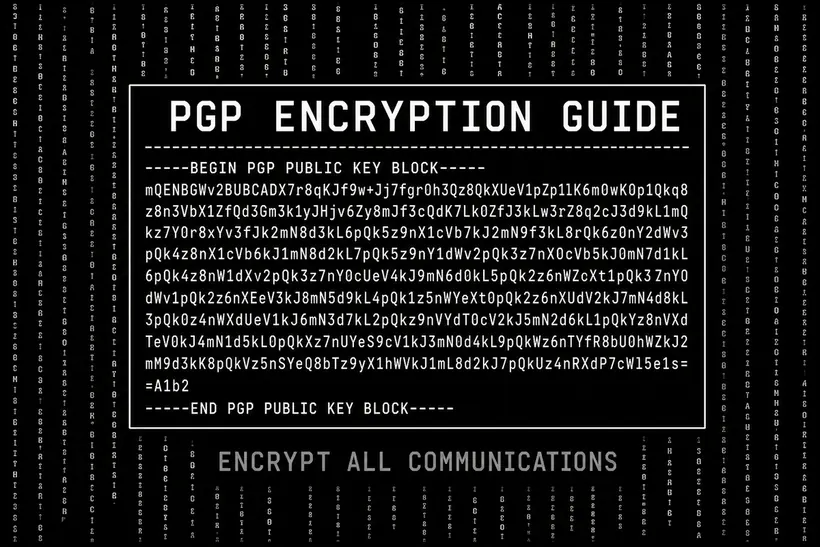
PGP (Pretty Good Privacy) encryption is the foundational security requirement for participating in any serious darknet marketplace. Without it, shipping addresses and order details are transmitted in plaintext to market servers — accessible to administrators, law enforcement, and anyone who obtains server access. This guide walks through the complete setup process.
What PGP Does
PGP is an asymmetric encryption system. You generate two mathematically linked keys: a public key you share freely, and a private key you keep secret. Anyone with your public key can encrypt a message that only your private key can decrypt. When you encrypt a shipping address to a vendor's public key, only that vendor's private key can read it — not the market server, not any third party.
Generating Your Keypair
Install GnuPG from gnupg.org. On the command line, run: gpg --full-gen-key. Select RSA and RSA, 4096-bit key size. Set an expiration of 1-2 years — this creates a natural rotation point. For the user ID, use a pseudonymous name and email that have no connection to your real identity. Set a strong passphrase and store it only in KeePassXC (offline, never cloud-synced).
Uploading Your Public Key to a Market
Export your public key: gpg --export --armor YOUR_KEY_ID > my_public_key.asc. Open the .asc file in a text editor. Copy everything from -----BEGIN PGP PUBLIC KEY BLOCK----- through -----END PGP PUBLIC KEY BLOCK-----. In the market account settings, find the PGP key field and paste your public key. Verify that the fingerprint displayed by the market matches your local GnuPG fingerprint exactly before saving.
Enabling PGP 2FA
After uploading your public key, enable PGP two-factor authentication in the account security settings. From this point forward, each login will require you to decrypt a challenge nonce — confirming possession of your private key. Store your private key in an encrypted container on your dedicated device only. Never transfer it over network connections.
Encrypting Order Messages
Find the vendor's public key on their profile page and import it: gpg --import vendor.asc. Write your shipping address in a plain text file. Encrypt it: gpg --encrypt --recipient VENDOR_KEY_FINGERPRINT --armor address.txt. Copy the resulting armored ciphertext block into the order message field. The vendor decrypts it locally — the server stores only encrypted data.