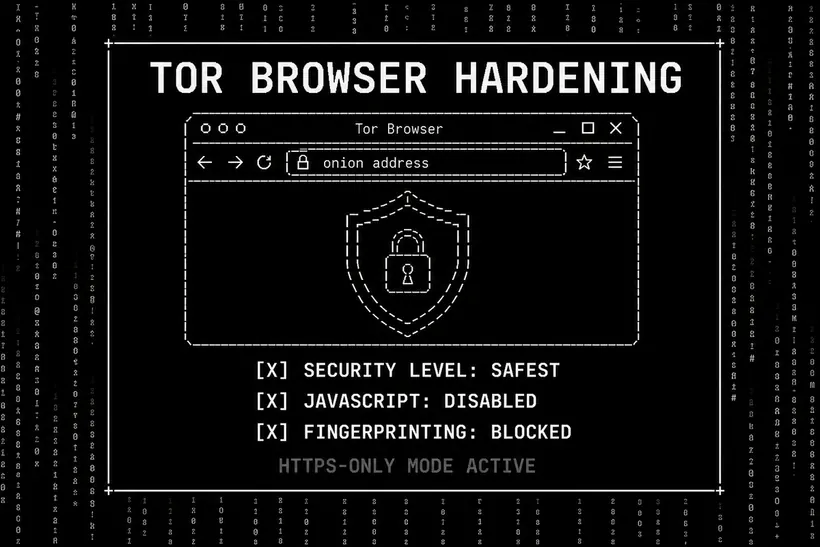
Tor Browser is the standard entry point for darknet market access. Its default configuration provides meaningful anonymity, but several additional hardening steps significantly reduce exposure to fingerprinting, exploitation, and behavioral tracking. This guide covers current 2026 hardening recommendations.
Security Level: Always Set to Safest
The Security Level slider in Tor Browser is the single most important configuration setting. Access it via the Shield icon in the toolbar, then Advanced Security Settings. Set to Safest. This disables JavaScript, WebGL, SVG animations, and several other browser APIs that have historically been used to fingerprint and exploit users. Safest mode is incompatible with most clearnet websites but is fully compatible with darknet markets designed for security-conscious users — including Nexus.
Standard and Safer modes leave JavaScript partially or fully enabled. JavaScript exploits are the most common browser attack vector — hundreds of documented CVEs. For darknet market use, any JavaScript execution is an unnecessary risk. The performance and feature sacrifice of Safest mode is the correct trade-off.
Never Install Extensions
Extensions modify the browser's behavior in ways that differentiate your instance from other Tor Browser users. One of Tor Browser's core privacy properties is that all users appear identical — the same fingerprint across all instances. Installing extensions (including ad blockers, password managers, or VPN proxies) breaks this uniformity and makes your browser instance uniquely identifiable even within the Tor network.
New Identity Between Sessions
Use New Identity (Circuit Symbol → New Tor Circuit for this Site, or Torbutton → New Identity) between accessing different sites. This changes your Tor circuit and clears session state, preventing a correlation between activities at two different hidden service addresses. Do not use New Identity mid-session on the same site — it logs you out and changes your apparent "identity" to the server.
Always-On HTTPS and Fingerprinting Resistance
Tor Browser enables HTTPS-Only mode and fingerprinting resistance by default. Do not modify these settings. The resistance layers prevent canvas fingerprinting, font enumeration, and other JavaScript-based identification techniques. Screen resolution reporting is randomized. Timezone is reported as UTC. These protections require the default configuration to remain intact.
OS-Level Isolation
Tor Browser's isolation only extends to the browser's own execution context. The host OS can still observe browser process behavior, DNS queries made outside the browser, and system-level identifiers. For complete isolation, run Tor Browser within Tails OS or Whonix — these configurations route all OS-level traffic through Tor and prevent host-level observation of darknet activity.